Before a document is finalized, the Builder UI shows a confirmation dialog. By default it displays a generic confirmation message:
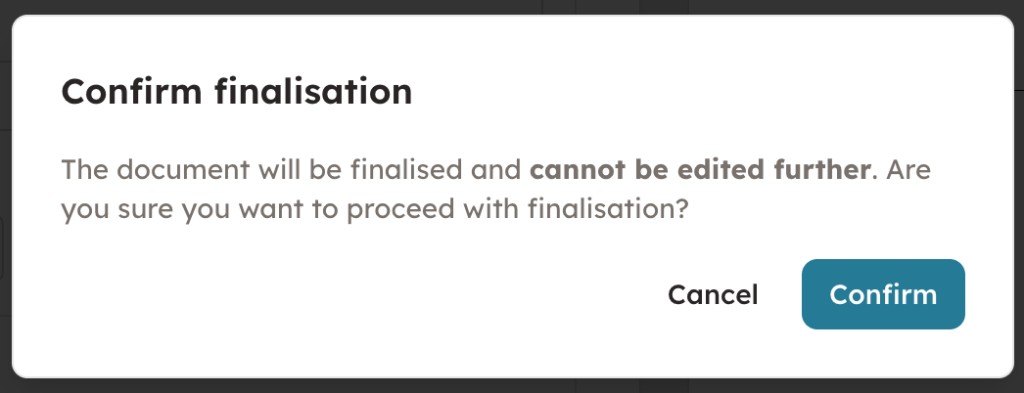
You can control this dialog with the finalization object when creating or updating a builder session.
How to use:
- Create a builder session with a
finalizationobject inPOST /api/builder/sessions(endpoint docs), or update an existing session viaPATCH /api/builder/sessions/{session_id}(endpoint docs). - Set
confirmation_enabledto control whether the confirmation dialog is shown before finalization. - Optionally set
confirmation_textto replace the default message with your own. HTML is supported with the allowed tagsstrong,b, andwbr. When omitted, the default confirmation copy is used.
{
  "finalization": {
    "confirmation_enabled": true,
    "confirmation_text": "<strong>Please review carefully.</strong> This action cannot be undone."
  }
}
When trial mode is enabled (trial is not null), finalization settings are ignored. Set finalization to null via PATCH /api/builder/sessions/{session_id} to clear previously set finalization settings and restore the default dialog.